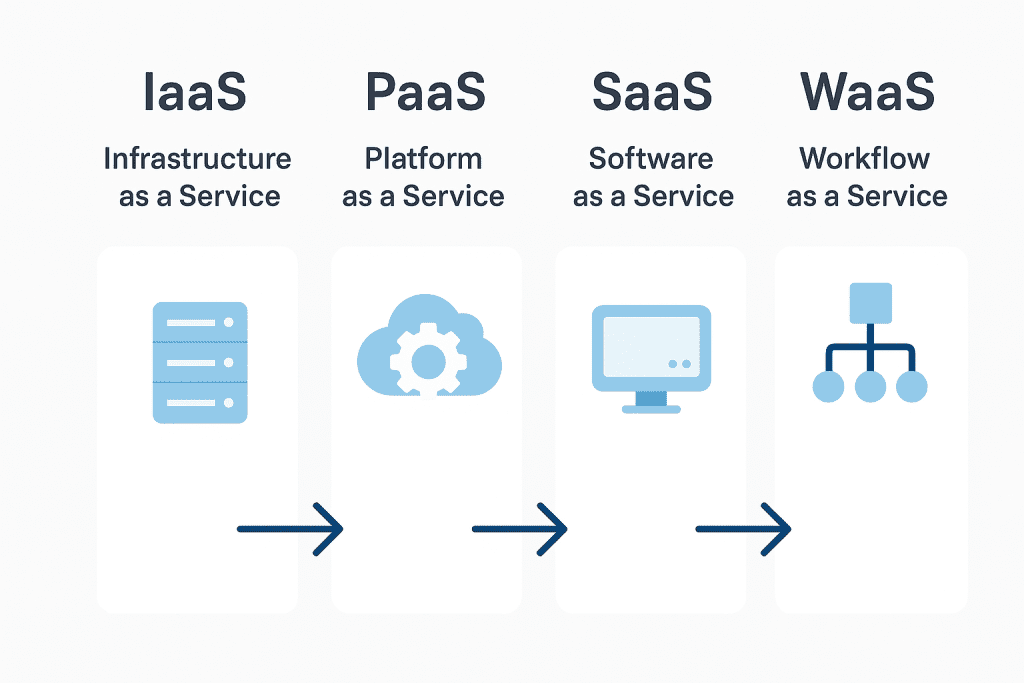
In the digital age, there is an “as-a-Service” model for everything. We are familiar with IaaS (Infrastructure as a Service), PaaS (Platform as a Service), and, of course, the best-known model, SaaS (Software as a Service). Now, however, another term is appearing more and more frequently: WaaS, or Workflow as a Service.
But what exactly does it mean? Another software service? Or a shift in perspective that fundamentally changes how we manage business logic?
The World of as-a-Service Models
To understand the significance of WaaS, it is worth first clarifying the differences between the most common “as-a-Service” models:
| Model | Abbreviation | Example | Who controls the business logic? |
|---|---|---|---|
| Infrastructure as a Service | IaaS | AWS EC2, Azure VM | The customer |
| Platform as a Service | PaaS | Heroku, Google App Engine | The customer |
| Software as a Service | SaaS | Gmail, Salesforce, Trello | The provider |
| Workflow as a Service | WaaS | xFLOWer, Camunda SaaS, Kissflow | The customer |
WaaS ≠ SaaS
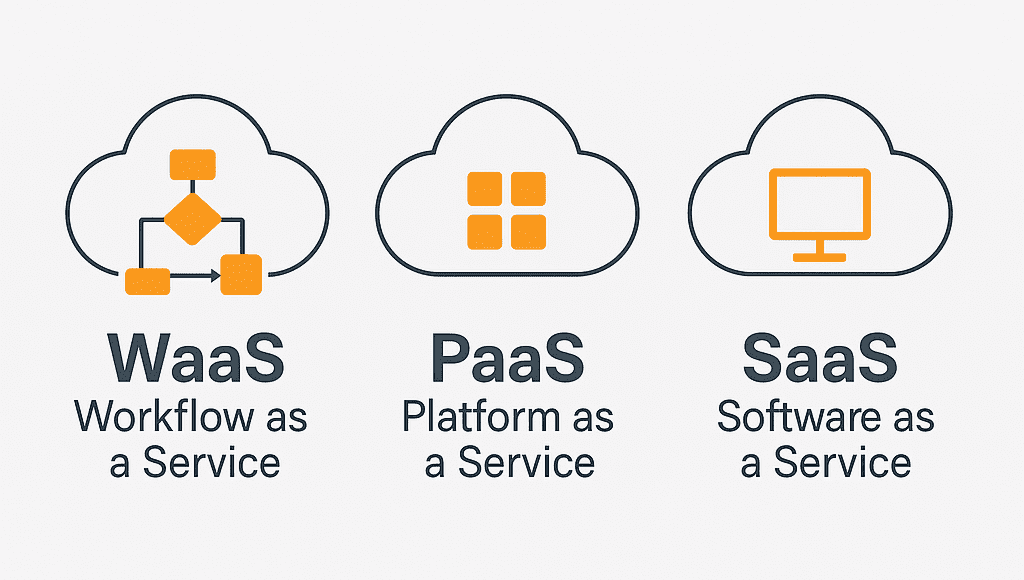
At first glance, Workflow as a Service resembles a SaaS solution: it is browser-based, available on a monthly subscription, runs in the cloud, and involves no installation or maintenance concerns. But it differs fundamentally in one important respect: it does not impose predefined business logic on you.
A WaaS provider — such as xFLOWer — gives you the tools, not ready-made answers. The goal is not for you to fit into a particular software application's logic, but for the software to fit your processes.
Of course, this does not mean you have to build everything from scratch. Most WaaS systems — including xFLOWer — feature a workflow store, where you can find proven templates based on industry best practices. So, if you know exactly what you want, you can start from scratch, but if you are still mapping out your operations, you can also start with ready-made process templates.
WaaS vs. SaaS vs. Custom Development
Many position WaaS between SaaS and custom development. The following table helps explain how these approaches differ:
| Feature | SaaS | Custom development | WaaS (e.g. xFLOWer) |
|---|---|---|---|
| Customization | Low | Full | High, no coding required |
| Time to launch | Immediate | Months | Days–weeks |
| Maintenance | Provider's responsibility | Your responsibility | Handled by the provider |
| Process visibility | Limited | Variable | Full, with logging |
| Control of business logic | The vendor | The company | The company |
| Cost structure | Monthly fee | High upfront cost | Monthly fee + flexibility |
When Should You Consider WaaS?
WaaS is not a solution for everything — but in certain situations, it is the best choice. Consider the Workflow as a Service model if:
-
You want rule-based connections between multiple systems (e.g. CRM ↔ ERP ↔ customer service).
-
You need to launch or modify a business process quickly (e.g. a new product launch or new partner onboarding).
-
Process auditability and traceability are important (e.g. in finance, legal, or compliance).
-
You do not want to embark on custom development, but the constraints of SaaS do not meet your needs.
-
Business teams want greater autonomy — they want to shape their own operations without involving IT.
-
Multiple organizational units operate in different ways, but want to use a single platform.
Modern WaaS systems — including xFLOWer — can integrate immediately with other software. Whether it is a CRM, ERP, customer portal, or custom-built application, xFLOWer connects easily through APIs, webhooks, and built-in data connections.
This makes it possible, for example, to:
-
Automatically trigger an internal approval process when a web form is submitted.
-
Track response times and monitor deadlines when handling customer service inquiries — all driven by the workflow.
-
Automatically launch the related onboarding process or create a new ERP entry after a document is signed.
An International Perspective
Demand for Workflow as a Service models in the international market is growing rapidly. Gartner, Forrester, and other analyst firms recognize “Workflow Automation Platforms” as a distinct category and forecast continued growth for the WaaS market.
Alongside large enterprises, an increasing number of SMEs are recognizing the benefits of WaaS: rapid deployment, agility, and, not least, business autonomy in shaping their IT systems.
The Benefits of WaaS — A Summary
- Business logic controlled by the user — the organization determines how the system should operate
- Rapid response — changing processes takes minutes, not weeks
- Scalability — a new department, product, or rule? No problem
- Integration capabilities — xFLOWer easily connects to other systems through APIs
- Transparency — every step is logged and auditable
- Workflow store — start from scratch or choose from ready-made best-practice templates
Final Thought: It Is About Operations, Not Software
WaaS is not just another software model — it is a way of thinking. It helps companies put their operations at the center, rather than adapt to the limitations of software.
xFLOWer makes this possible: it provides the tools for your company to run its own processes — with flexibility, transparency, and control.