Fortunately, many organizations have now moved beyond the widespread use of paper-driven processes. This transition—now known as digital transformation—is still underway, but it is already clear that many businesses recognize the benefits of modernizing paper-based administration.
Document-driven processes
A process can be considered document-driven when it generally depends on some form of paper or digital document. This typically means that the receipt, approval, or creation of a document initiates and controls the administrative process in question.
In procurement, for example, the process starts with completing a purchase requisition form, after which the paperwork begins to “travel” through the organization. Along the way, it may pass through several approvers, require the purchasing officer's signature, or need to be updated with quotations received.
In any process of this kind, the paperwork drives the workflow. Of course, this paperwork may also be an electronic document, such as an email, a form, or a data entry screen in a dedicated application. One thing is certain, however: the document must be populated with data, forwarded to other participants, and updated to reflect any changes.

What if none of this manual work were necessary, and a system could automatically generate documents, populate them with the required data, and route them to the designated person responsible? Such a system would enable that person to approve the document and, if required, notify the sender.
This frees up valuable working time for higher-value activities, allowing automation to deliver measurable business results. As a result, the return on implementing the tool—or on the entire project—can be clearly demonstrated.
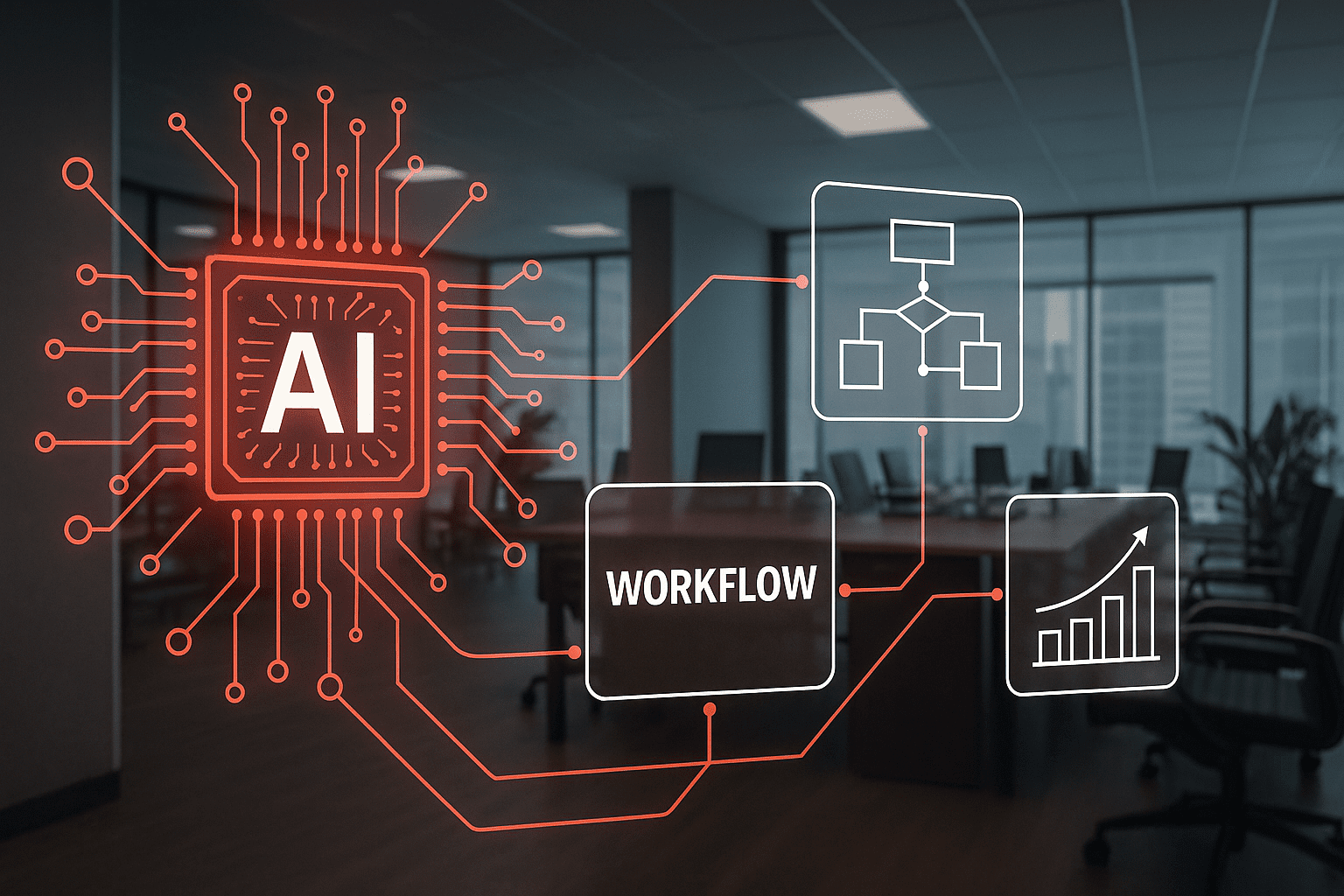
The tool that makes all this possible is known as WCA (Workflow and Content Automation), combining workflow functionality with content generation capabilities.
WCA solutions
Unlike older workflow or DMS solutions, a WCA system does more than integrate documents into processes, store them, and make them retrievable. It also generates and, where necessary, edits them within the system, with the highest possible level of automation. What does this look like in practice?
Consider a template-based contract in which certain data and sections vary depending on the order. In this case, the main contract text is predefined, and the system automatically populates it with information such as company details, customer details, financial data, and so on. In addition, this type of contract may contain sections with variable content that also need to be completed.
Typically, once an editing task like this has been assigned, the people involved start editing the document and then circulate it among themselves and the approvers by email or through basic content-sharing tools. As a result, the wrong version may be edited or approved, certain sections may be accidentally deleted, or everyone involved may have to wait for the colleague ahead of them to finish their editing task.
By contrast, a WCA system such as xFLOWer populates documents with data and gives colleagues access only to the sections that need editing. It also assigns editing tasks to the relevant people. It does not matter who edited what or when, because the system automatically manages document versions and assembles the individual sections and the main text. Once editing is complete, the system can even automatically initiate the required approval process, ensuring that approvers always receive the correct version.
Now that we have seen what a WCA system can do, let's look at the specific benefits its implementation can bring to an organization.
1. Fewer tools
With a WCA system, there is no need to introduce additional IT systems to manage documents and integrate them into workflows. The WCA tool's graphical interface is all you need to perform editing tasks. The system also allows you to attach documents created in other applications, such as Word. Since editing can take place entirely within the WCA interface, there is no need to train the organization to use multiple tools. The result is less time, cost, and effort spent on implementation, with a faster return on investment.
2. Reduced staffing requirements
Manual document handling slows down day-to-day business operations, while automating document management significantly accelerates them. Not long ago, we welcomed the way electronic signatures sped up approvals. Today, every document-related process and task can be accelerated. An easy-to-use WCA system saves time by making all data available exactly when and where it is needed. It can also automate the entire process, delivering a substantial advantage.

3. A faster, more convenient customer journey
Automation also enables a faster, better customer experience. Automated tasks accelerate customer-facing processes, improving the speed of service—whether this involves sending updates, handling requests, resolving issues, or any other activity that directly affects customers. Automation also simplifies business processes, so customers spend less time on administration and can interact more conveniently with customer service.
4. Increased revenue, better results
Automating document management and editing can have an impact across the entire organization. Here are a few examples of departments that operate more efficiently with automated document management:
Sales
Bringing the creation and editing of sales documents—quotations, orders, and contracts—into a single system and automating these activities can save sales teams several hours of work every day. The customer benefits mentioned earlier also apply, making automation particularly valuable in sales.
Operations
In business operations, automation can accelerate partner onboarding, reduce the potential for errors, and simplify day-to-day activities.
Legal and finance
In legal and finance, it improves efficiency through automated document generation and reporting at both process and document level.
HR
In HR, the greatest benefits of WCA systems are faster onboarding, fewer administrative tasks, and a shorter learning curve for new employees. They can also automatically manage and document the assignment of access permissions to new hires—including access to tools—and the revocation of permissions when employees leave.
5. A competitive edge
Automation can transform a company for the better. When considering automation, it is important to ask: how can we get the most out of the project, both in the short and longer term?
Once simpler processes have been automated, it is worth assessing which additional business processes could be automated. Naturally, the primary objective is to optimize business processes, with automation forming part of that effort. However, it is important to consider these further opportunities as early as the planning stage.
Many startups achieve remarkable success by putting precisely this approach into practice: they optimize their operations and automate everything they can. This can enable them to disrupt entire industries—and not by chance. These businesses offer valuable lessons for established companies.
Conclusion
Our customers include many long-established companies operating internationally that continuously optimize their operations and improve efficiency, achieving better results and more effective operations year after year.
They rethink and refine both their internal and customer-facing processes every year. Some companies even have an entire department dedicated to this work. Managing, optimizing, and automating business processes is therefore a cornerstone of efficient operations and growth that can no longer be ignored.
At Click On, we help our customers make their businesses more efficient not only through our software solution, but also through decades of experience in corporate process improvement, enabling more profitable and successful operations.