1. Why does the “one more system” approach fail? Imagine a medium-sized or large enterprise that already has a CRM, an ERP, and a case management/ticketing system—and some departments even use dozens of Excel workbooks. Yet management complaints remain common:
- “I don’t know who is holding up the process.”
- “There are too many workarounds, duplicate tasks, and repeated requests.”
- “We have every system—but operations still don’t work.”
The problem is that most software “only” provides functions: data entry, approvals, and integration. But it
does not build an organization. It does not reveal where decisions become bottlenecks, who has visibility into what, or why a particular step is not taking place. As a result, digitalization merely adds “another layer” over existing operational chaos.
2. Traditional workflow systems—how far can they take you?
Typical features of traditional workflow tools include:- Task assignment and status management
- Approval chains and notifications
- Partial integration (for example, with CRM or invoicing systems)
These can certainly be useful building blocks, but they are not enough on their own. The underlying operational logic is often missing—so they become administrative systems rather than
tools for managing operations. Implementation is often driven by IT, without becoming part of management’s approach: there is no genuine control or feedback, and the workflow never becomes a “living system.”
3. xFLOWer—not another system, but an operational framework
This is where xFLOWer introduces an approach that differs fundamentally from conventional software concepts:
- We do not just provide software; we provide operational logic.
- We do not replace existing systems; we integrate them, building a visual framework above them.
- We do not simply manage individual departments; we address the entire organization, step by step.
xFLOWer is not about implementing another application: it is a management structure in which every step is visible, traceable, and open to optimization.
4. Real-world examples—when the organization starts to work
Some typical implementation modules and what they deliver:- Finance: Automated invoice approval and cost control
- HR: Onboarding, absence management, and access rights management
- Customer service: Ticketing and SLA tracking
- Legal: Contract generation and contract management
The common thread: these are not merely “programmed” workflows, but a visual operational environment where people can understand and use the information they need to see. For example, at a Hungarian insurance company, a contract management module implemented with xFLOWer replaced a manual, ten-step process frequently hampered by bottlenecks with a clear visual environment. Managers can now see within seconds where cases are queued and where decision points lack an accountable owner. As a result, several decisions moved forward automatically, and response times fell by 30–40%. (This transformation is not simply marginal optimization—it represents a shift in operational culture.)
5. The decision point—when is workflow software no longer enough?
Traditional workflow tools are useful as long as the organization is willing to “operate” them. But xFLOWer starts to
trulywork when the organization is also willing to work differently. It is worth considering when:
- Management lacks visibility into day-to-day operations
- People bypass the system
- Decisions are slow, pile up, or fall through the cracks in chains with no clear accountability
If these issues are present, another workflow application is no longer enough—operational transformation is needed.
6. Operations as a competitive advantage—thinking strategically
Many digitalization projects pursue operational objectives such as automation and greater speed. By contrast, xFLOWer is a strategic framework for managing operations:
- Transparency: It reveals not just data, but bottlenecks, relationships, and decision chains.
- An adaptive organization: Visualized operations enable rapid restructuring, even without IT development.
- Scalability: Operational logic can be built department by department, with the ultimate goal of extending it across the entire organization.
7. Operational culture—not just a tool, but a change in mindset
xFLOWer is not another tool; it helps build an operational culture:- Accountability: Everyone can see where a task stands, increasing commitment
- Feedback: The system does not merely execute; it learns, enabling operations to improve continuously
- Goal orientation: Processes are not an administrative burden; they support results
Over the long term, this change creates a more sustainable, transparent, and people-centered organization.
8. The technology behind it—what makes xFLOWer work?
xFLOWer enables business-led system development without requiring a complete IT overhaul:
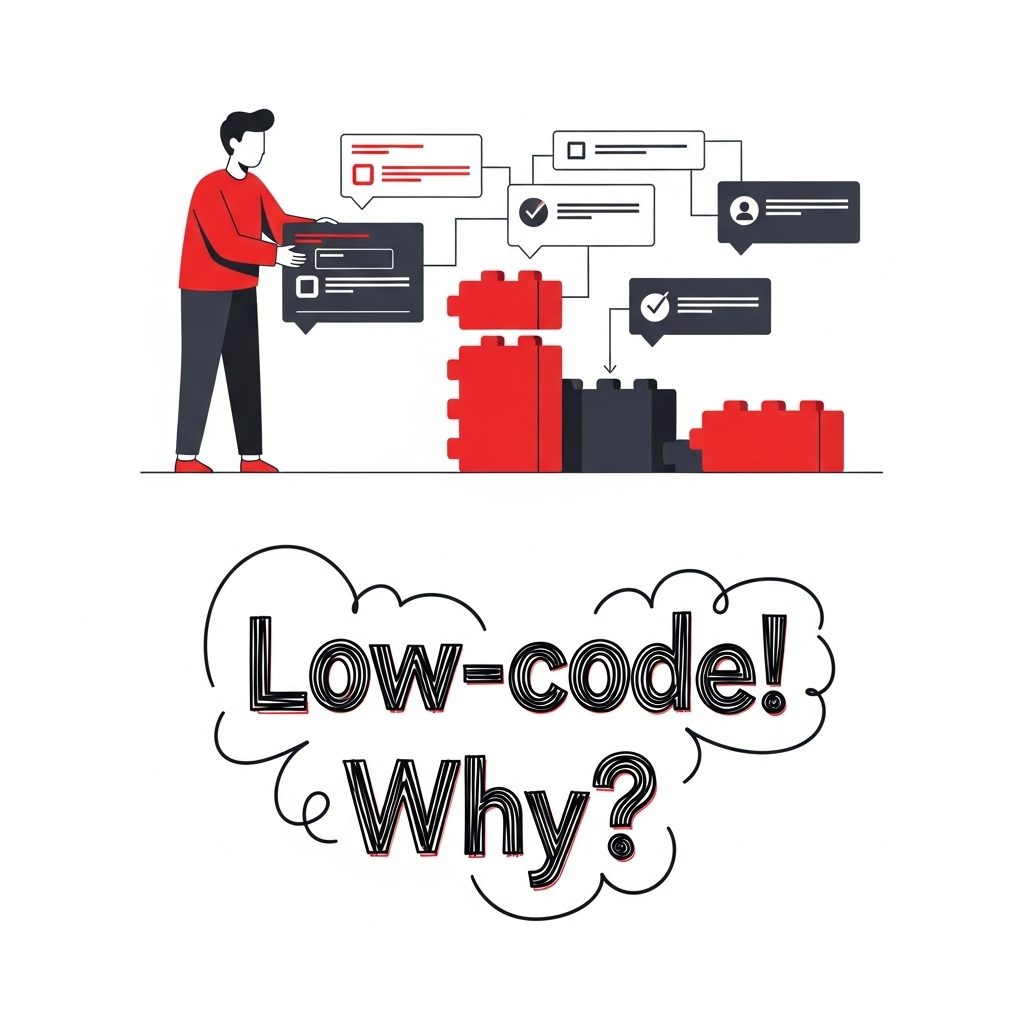
- No-code / low-code: Business users can also design new processes
- API integration: It can connect to ERP, CRM, email, and document management systems
- Visual logic: A drag-and-drop interface that is quick to learn and understandable for every department
9. Operations = business value (extended conclusion)
xFLOWer is not simply another workflow application. xFLOWer is a business operations system that:
- Brings existing technologies together
- Visualizes operations
- Integrates management control into daily processes
It does not increase the number of systems—it improves the quality of operations. Done well, it creates not just faster operations, but a more mature, self-improving organization.
10. Additional insights: theoretical background, critical lessons, and recommendations
10.1. The role of the operating model and its relationship with xFLOWer
xFLOWer effectively builds an operating model for the organization—not just a system. A digital operating model is a framework that defines how an organization works in the digital age: its processes, technologies, capabilities, roles, and accountability structures. What makes xFLOWer distinctive is that it does not impose a prescriptive model on the organization. Instead, it gradually embeds operational logic, creating an operational “backbone” to which the organization can adapt. Modern operating models are no longer simply about separating IT and business. They focus on capability-based operations: what the organization needs to excel at to respond quickly, adapt, and deliver digital services. xFLOWer enables organizational capabilities—decision points, responsibilities, and feedback loops—to be embedded visually and supported by operational logic.
10.2. Critical lessons to keep in mind
- Do not expect an “instant breakthrough”—implementing xFLOWer also requires change management.
- Do not push too much too soon—always start with one module, learn, and refine.
- Do not leave it in an IT silo—management commitment and involvement are essential.
- Transparency does not feel comfortable immediately—many people may initially feel “exposed,” and their concerns need to be addressed.
- Maintain an evolutionary mindset—with xFLOWer, operations keep developing rather than remaining static.
11. Lessons and advice
- Organizational operations cannot be fixed with “one more system.” xFLOWer is not a collection of features, but a framework underpinned by operational logic.
- Traditional workflow tools are necessary, but not sufficient: without an operations-focused mindset, they quickly become unstable.
- xFLOWer is a strategic tool, delivering structured transparency, adaptability, and scalability.
- The key to change is the human dimension: accountability, feedback, and a shared culture.
- Implementation will remain an “IT project” whose broader potential is never realized unless management and operational thinking are involved in its delivery.