Does this need attention?
Companies need to store large amounts of information and documents and make them readily accessible to authorized users. Effective document management helps increase capacity, structure work and store work-related data.
Businesses often need to track documents, for example when locating agreements and contracts or managing projects.
Electronic, process-based document management systems enable documents to be managed digitally, making the process faster, more efficient and more accurate than paper-based alternatives. This helps reduce time spent on tasks and increase productivity: the more activities we make system-driven and process-based, the more unnecessary, time-consuming tasks we can eliminate from employees’ work in the future.

What are the disadvantages of relying exclusively on physical document storage?
Documents stored and managed this way present the following drawbacks:
- Space requirements: Physical document storage requires a significant amount of space.
- Security issues: Physical documents are more difficult to protect and monitor. Unauthorized access, theft and document loss pose greater risks.
- Slow workflows: Working with physical documents can be slower, as copying, scanning and delivery can be time-consuming. This can reduce business efficiency and lead to longer decision-making processes.
- Search difficulties: Searching physical documents and finding information can take considerable time, particularly without an effective system for organizing and cataloging documents. This can reduce employee efficiency.
What are the benefits of digital document storage?
Digital document management (or electronic document management) supports business operations in many ways. Using digitally stored documents offers the following benefits:
- Documents can easily be backed up or copied to another storage device, reducing the risk of loss or unavailability.
- Control over access rights and permissions: It is easy to define and consistently enforce who can access confidential information, how they can access it and under what authorization.
- Search and organization options: Digitally stored documents can easily be organized and located using search terms or keywords. This is faster and more efficient than reviewing paper documents.
These activities are supported by an integrated system in which employees can freely create, send and store documents on a single platform—the kind of solution we have developed at xFLOWer.

Summary
In light of the above, efficient office work is now inconceivable without appropriate supporting systems. Such a system is expected to manage, organize and even automatically archive documents in line with business processes. Some can also handle document editing and approval, all in the cloud.
It is also clear that the capabilities of a static document management system may not be sufficient if the aim is to reduce costs and workloads.
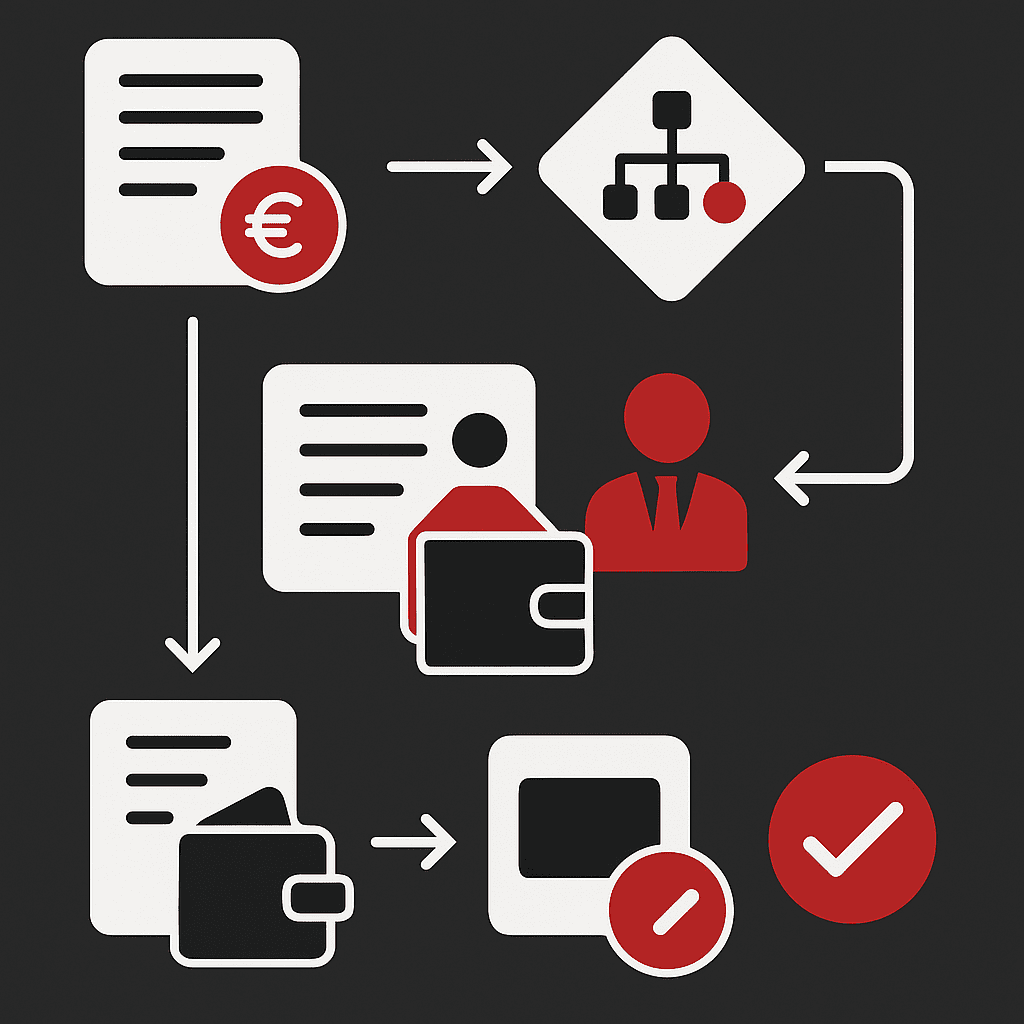
Digital document management systems enable workflow automation, including, for example, handling approvals electronically and notifying participants. This increases efficiency and reduces the risk of human error.
The xFLOWer document management solution goes beyond the capabilities listed above: its advanced automation features save additional working time and automatically assign tasks to colleagues.