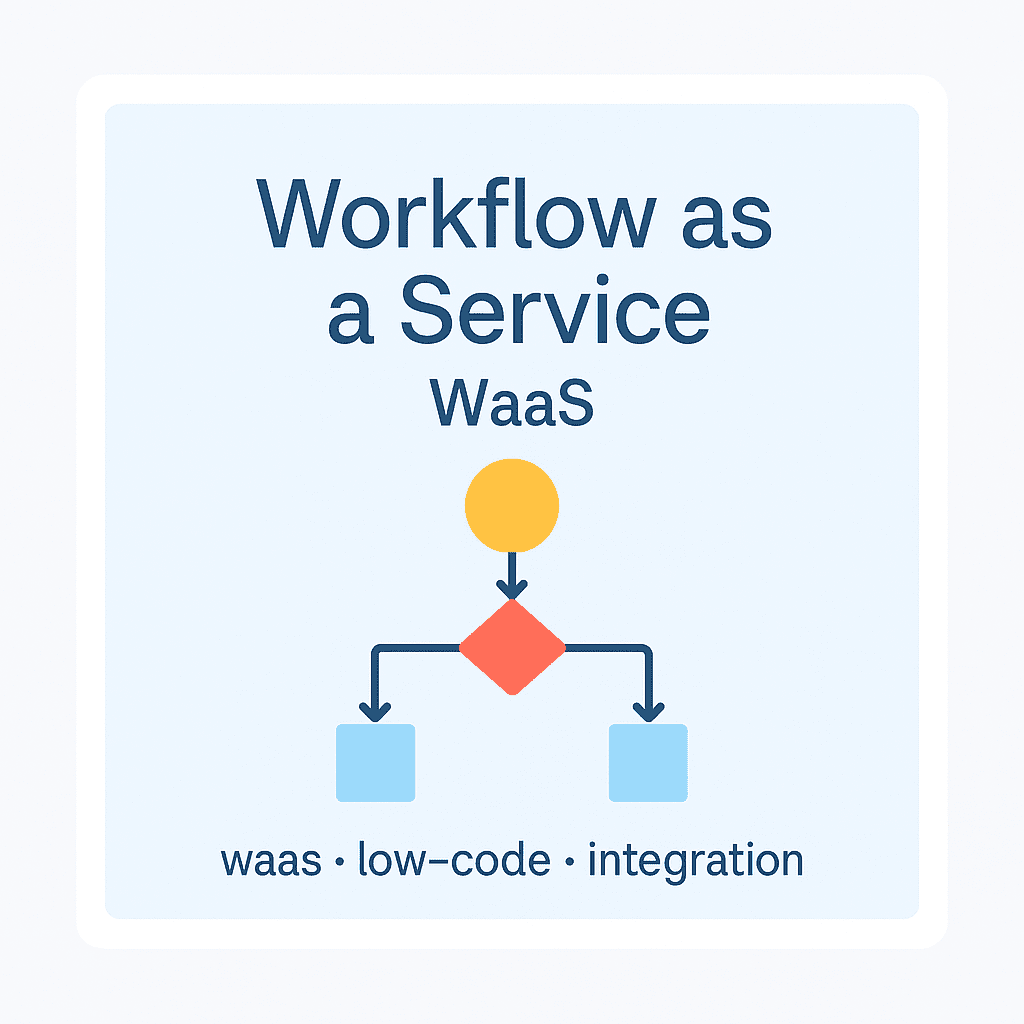
One of the most important features of modern workflow systems In the past, introducing new processes or modifying existing ones in workflow—or BPM, business process management—systems generally required programming. Implementing such changes therefore required the involvement of the IT department and/or the vendor, as well as a dedicated IT project. This approach demanded considerable time and resources, while maintaining a high level of dependence on the vendor. Today, however, workflow systems allow business processes to be created or modified using a low-code/no-code approach. This approach primarily uses a graphical editor to create various business processes and decision logic, or even automate them, with little or no programming. As a result, the IT department does not need to be involved in every modification or new process implementation, saving both resources and time. This approach also eliminates a significant challenge: coordinating with process owners, or business users, during process development that requires programming. This type of coordination can very often lead to misunderstandings and incorrectly designed processes, resulting in repeated demands on resources.

Process Owners as Process Developers
The underlying reason for this challenge is that in-depth knowledge of business processes and the requirements for working most efficiently primarily resides with business users—the process owners—while IT is less closely involved. Consequently, developing a deep understanding of processes and improving them need not necessarily be the IT department's responsibility. With low-code/no-code solutions, process owners can create and edit processes themselves. They already have the business expertise and detailed process knowledge, which they can translate into the workflow system through a graphical interface without IT expertise. This makes process implementation significantly faster while substantially reducing, or even eliminating, the need for IT resources. Naturally, this does not mean that the IT department's role is unimportant; it simply creates an opportunity to use resources more effectively.
Flowchart or Process Editor?
Creating flowcharts has generally been the responsibility of business departments, regardless of whether a workflow system is in use. However, a completed flowchart is far from a guarantee that the process actually works or can be interpreted by a system. For this reason, although creating such diagrams is useful and sometimes necessary, it does not produce an operational business process model running in a system. By contrast, modeling the same processes with a graphical process editor produces genuinely operational, system-managed business processes with minimal additional effort. It therefore makes sense to model processes in such a system from the outset, avoiding the need to create flowcharts twice.

When Might the Vendor or IT Department Still Need to Be Involved?
Beyond process implementation and development, setting up the necessary integrations is an essential part of most workflow implementation projects. Creating these solutions always requires programming, development, and coordination between multiple parties. Business departments therefore cannot carry out this part of the project on their own. This is where the involvement of the IT department or vendor becomes necessary—not necessarily for process development, but for building interfaces between systems.
Conclusion
The reasoning above is, of course, based on the capabilities of modern workflow systems, which enable more efficient and faster process modeling and implementation. This avoids the need to launch lengthy, resource-intensive projects involving numerous iterations to improve existing processes or create new ones. To achieve this, business users also need to understand and become sufficiently proficient in using the process editor. However, since this is not a programming task, it can generally be accomplished without difficulty using everyday IT skills.