The need for a connected enterprise ecosystem

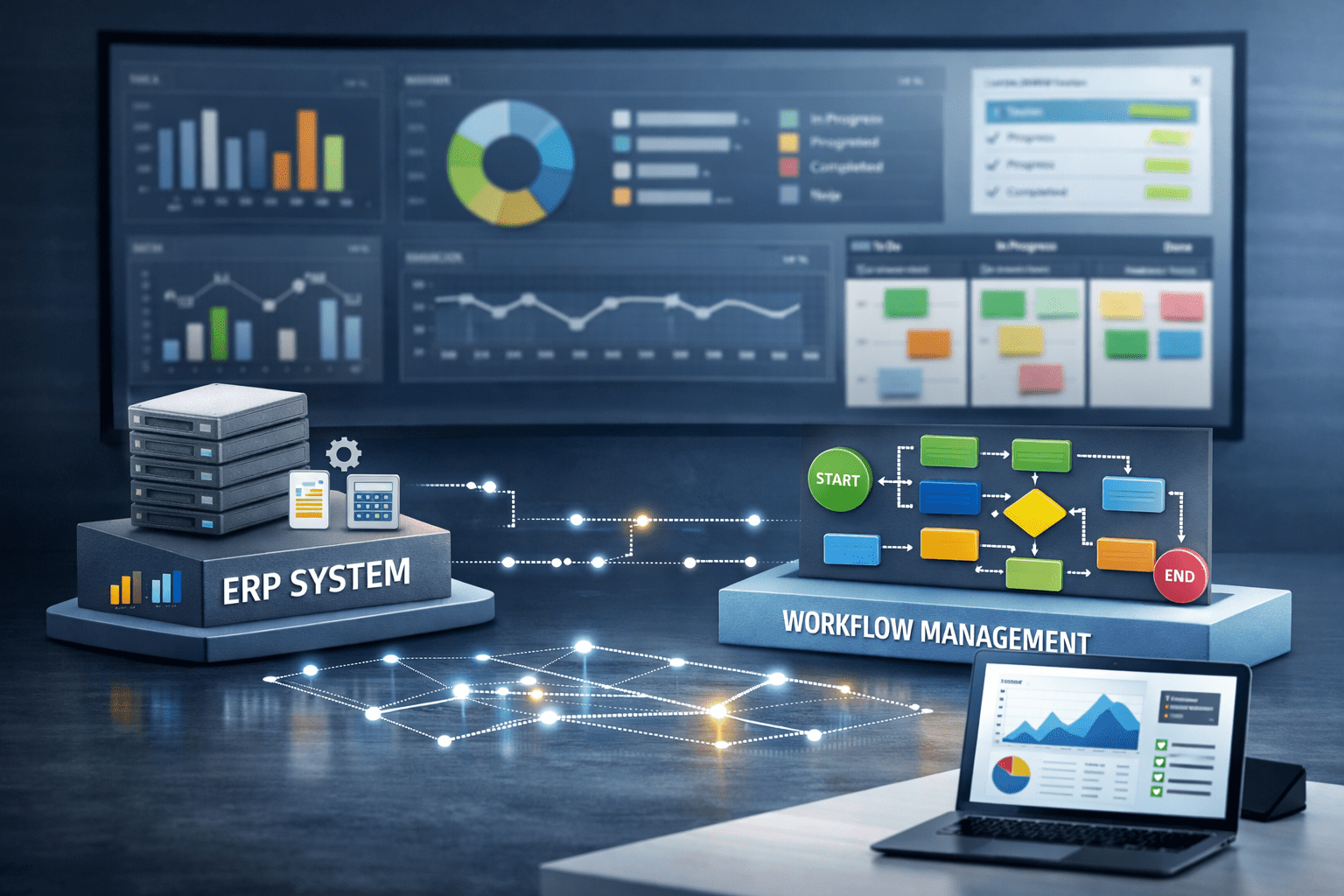
Day-to-day operations rely on business processes that keep a company running. We use dedicated functional systems to support individual steps in these processes: invoicing software to issue invoices, a CRM system to maintain customer and partner records, and a ticketing system to manage reported issues. However, these processes are not constrained by the systems we intend to use or by what any given system can do. As a result, completing a business process often involves multiple systems—or even multiple departments. In such cases, transferring data between systems, working with different applications, and extracting data from databases can be extremely time-consuming. This raises a logical question: what if we connected these systems so that business processes could be completed from end to end? A workflow system operating as middleware offers a solution to this problem—and brings us to the main topic of this article.
How should we connect our systems?
Connecting enterprise systems generally means establishing a link between two or more systems that allows them to access one another’s data. Before considering the implementation or integration of systems, we therefore need to identify the specific business problem. Once we have defined a clear set of problems, we can determine which systems are best suited to resolving them (no single system will solve them all on its own).
Discover middleware: the world between the frontend and the backend
Middleware is a tool that supports and extends the functionality of an operating system without being part of it. It also provides services to applications without being part of those applications. Middleware essentially acts as the “glue” between the underlying infrastructure and user applications. An invisible hero supporting software developers and administrators, it handles communication, security, and service-server tasks in the background, taking a substantial workload off these professionals. Middleware also encompasses specialized network services, software components, and complexity-reduction tools shared by applications and users. Source: http://www.zerotohero.hu/middleware-leiras/
Making the most of existing systems
Today, it is difficult to imagine a company operating without dedicated systems to support its functions. Acquiring and operating these systems may have represented a significant expense, so replacing them is not necessarily worthwhile: doing so could effectively waste the investment already made. In addition, employees, partners, and even management may have become accustomed to these systems—everyone knows where to find each function and how to complete tasks most efficiently. The mere existence of newer, more feature-rich, or more visually appealing alternatives does not mean that our systems need replacing. If our existing systems meet our requirements, or a significant proportion of them, it may be worth considering an enterprise solution that builds on them, connecting and extending their capabilities. This is where workflow and middleware come into play as technological solutions. How does this work? Business processes are managed in the workflow system, while middleware connects existing systems and processes through various interfaces, creating a complete software environment tailored to the company’s needs.

In summary:
Day-to-day operations can involve countless tasks that require data and files from multiple systems. An overwhelming volume of frustrating, repetitive manual tasks can make us question the capabilities of our existing systems and prompt us to look for alternatives. However, it is worth considering a different approach: if our systems could work with one another’s data, would it not make more sense to retain the software we already have and implement a workflow and middleware solution that enables the systems to work together as required? This approach can certainly save costs, since replacing systems does not guarantee that our business processes can be executed or automated. Process management combined with integrations, however, can provide a cost-effective solution to these challenges. It is therefore well worth assessing whether such an implementation could resolve the tasks that currently pose problems for our organization.