Flexibility Is a Major Advantage—Until It Becomes a Disadvantage

Everyone in an organization wants to work with flexible, easy-to-use software. The question, of course, is what flexibility means to each person, and how much freedom should be allowed to change processes at will. What improves efficiency, and at what point do these systems become difficult to navigate?

First, Some Lessons from a Real-Life Case

In this article, we mention other software solutions that countless companies worldwide use successfully, and whose contribution to digital transactions is undeniable. Our examples are certainly not intended to criticize these systems. Rather, based on feedback from users, we want to illustrate when a previously beneficial feature becomes an obstacle that can make the information stored in a system difficult to interpret.
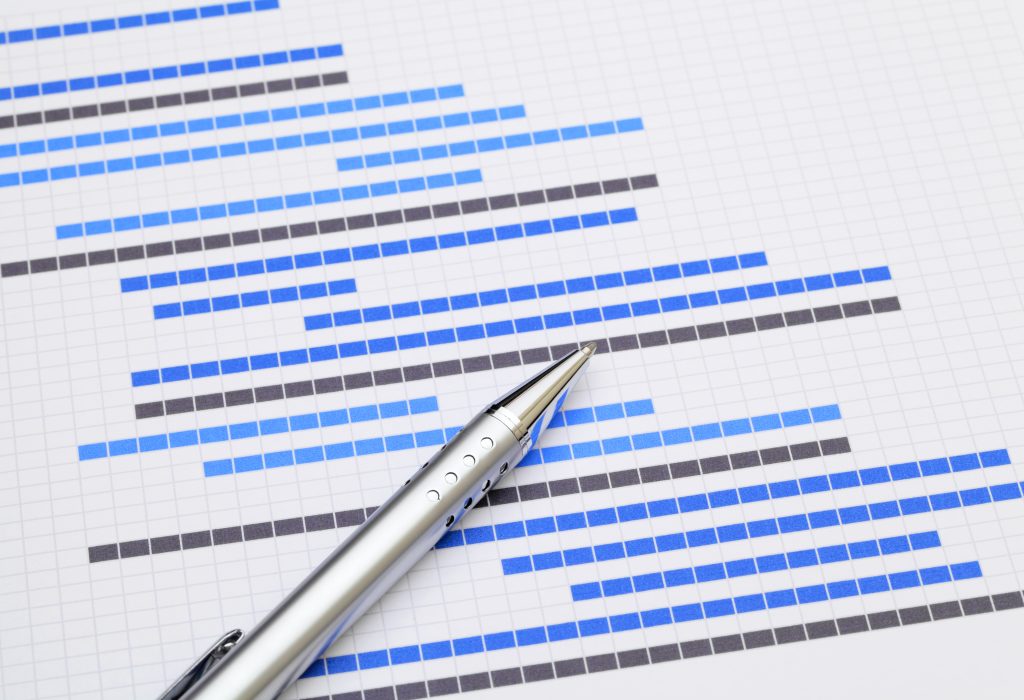
Structured planning of project workflows and task lists

What Prompts a Business Leader to Replace Software Implemented Years Earlier?

A story from yesterday: during a demonstration, we learned that a construction company was looking for an alternative to its project management software. During the discussion, they described their business, talked about their projects, and explained what data and documents they wanted to store in the system and how they intended to collect them. It also emerged that they were currently using Monday.com, which they had been very happy with for a while. Over time, however, they increasingly noticed that the data collected through their processes did not provide adequate insight into individual projects. On top of that, their colleagues’ tasks had become impossible to track.

How Can This Happen?

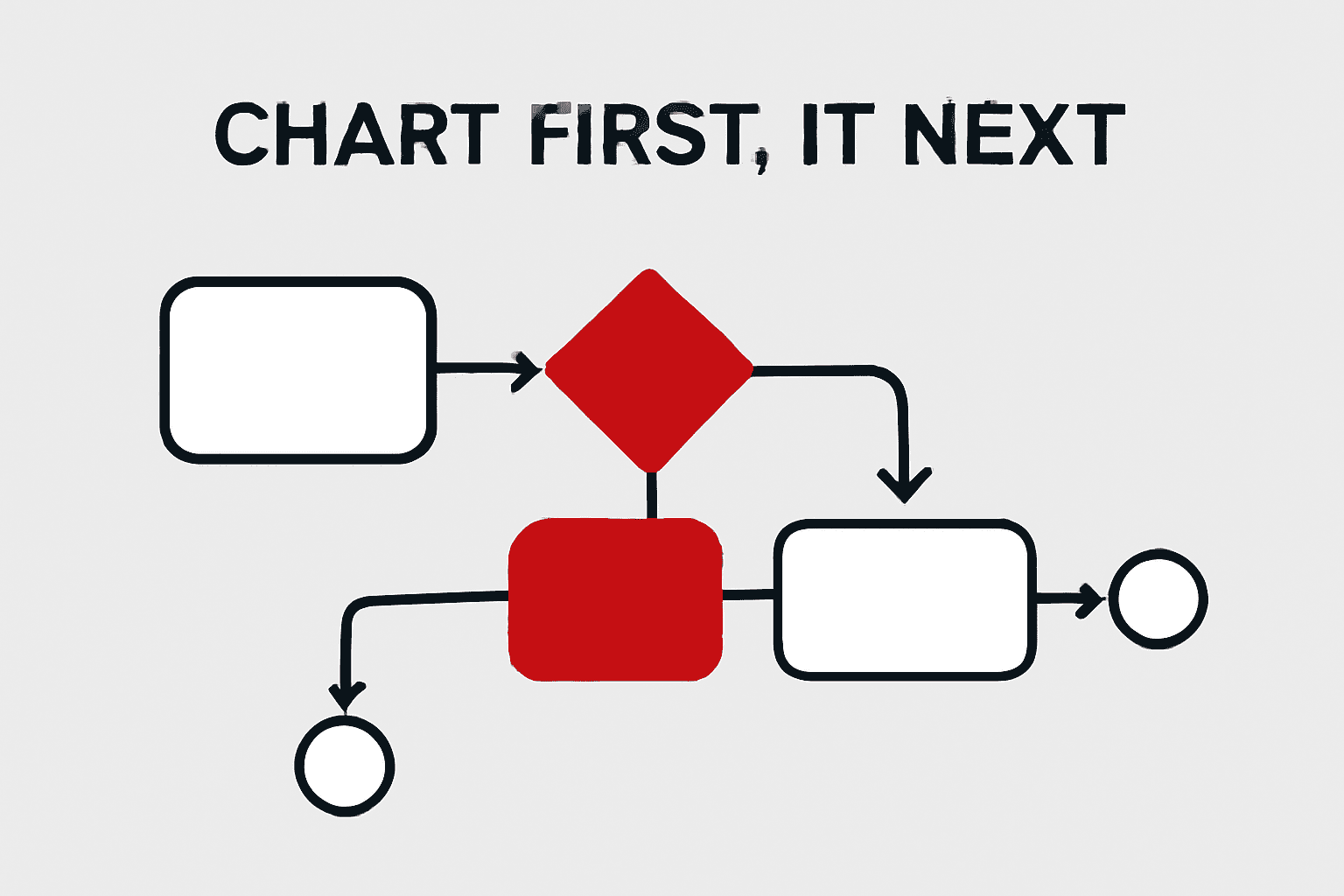
Flowchart of business optimisation, cost control and quality management
This question inevitably arises, because it is difficult to understand how something that worked well for the first year or two could now be creating chaos. It turned out that flexibility was one of Monday.com’s main strengths. Projects in progress were not always identical, so the company increasingly modified process rules as work was underway. As a result, the execution and administration of newer projects might appear accurate in isolation, but the projects could not be compared with one another, financially or otherwise. Producing the right summaries and statistics became increasingly difficult, reducing visibility across the board. Managers could not determine how reliable the data was, so they asked employees to prepare separate reports. In other words, the administrative burden once again increased dramatically. [caption id="attachment_14226" align="aligncenter" width="1024"]

The Wisdom of Recognizing the Problem

There came a point when the pressure from both sides had to be taken seriously: meeting expectations while reducing workloads to an optimal level. An internal review revealed that although everyone was recording everything accurately, the flexibility provided by the system was no longer an advantage—it had become a disadvantage. They tried to accommodate every minor change by regularly rewriting the administrative process defined in the software. It was like playing a board game in which every round had a different set of rules.

The Way Forward

The company is still looking for the right solution: an application in which processes can be defined in advance. The most common and important steps in projects need to be identified, along with groups of processes. For example, the Project could be the main process, with contracting and construction activities linked to it as subprocesses. Other subprocesses could include engaging subcontractors and managing financial settlement, including invoices and certificates of completion. Naturally, these subprocesses can be broken down further—for example, into managing outgoing or incoming invoices. Once this kind of process structure has been defined, the next step is to find software capable of reflecting it.

xFLOWer as a Potential Solution

xFLOWer supports rapid process design using a low-code approach. Processes can also be redesigned when there is a genuine need, but this does not mean that everyone has to sit down before every project and devise a new set of rules. The greatest advantage is that subprocesses can also be defined, enabling the finished system to reflect the entire real-world process much more accurately, including the deeper structural layers of each project.

#ProcessManagement#Workflow#DigitalTransformation#ProjectManagement#Construction#MondayCom#LowCode#SoftwareSelection#CaseStudy#ManagementDecision#ProcessOwner#ProcessDesign#ProcessModelling#ProcessStandardization#Subprocesses#BusinessRules#AdHocOperations#DataQuality#Measurability#OperationalTransparency#ReducedAdministration#ManagementReports#AdaptiveOperations#Finance#ContractManagement#InvoiceManagement#CompletionCertification#DocumentManagement#Efficiency

Related articles

Workflow and Project Management Tools – What Is the Difference?

According to Wikipedia: “A project is a temporary undertaking intended to create a unique product, service or result.” (Source: https://hu.wikipedia.org/wiki/Projekt) The same page identifies three main characteristics of projects: they are temporary, unique and progressively elaborated. In other words, a project is any sequence of activities that is not an ongoing part of an organization's operations, but instead runs for a defined period and achieves specific objectives, such as developing a product or creating a new service. Once the objective has been achieved, the project ends, and often even the team assembled for it disbands.

Getting Started with Process Management: Why You Should Not Expect an IT System to Rethink Your Business Processes

Successful digitalization requires companies to review and document their business processes before implementing an IT system.

Business Process Modeling

As we saw in our previous post, defining a company’s processes and identifying the steps, responsibilities, and deadlines is no trivial task. However, it is far from impossible, and it is essential to ensuring that the company operates effectively and that operational tasks remain cost-effective rather than becoming a drain on resources. These processes can also affect the effectiveness of business administration, improving—or, in some cases, undermining—its efficiency and ability to support the business.

Introduction to Automated Processes 4 – Contract Management

Imagine a world where you no longer have to manually look up contractual requirements and deadlines during delivery, because a software solution does it for you. There would be no more missed deadlines, overlooked details or other misunderstandings. It is reasonable to wonder why this way of working is not standard practice in the 21st century.

Without a Process, Employees Create Their Own—and That Is the Problem

If a company does not provide clear processes and digital tools, everyone works differently—leading to chaos, errors, and lost customers over time. The solution: a consistent methodology paired with a workflow system.

Contact us

Let's talk about your processes

Tell us briefly which process you'd like to automate – we'll get back to you within 1 business day.