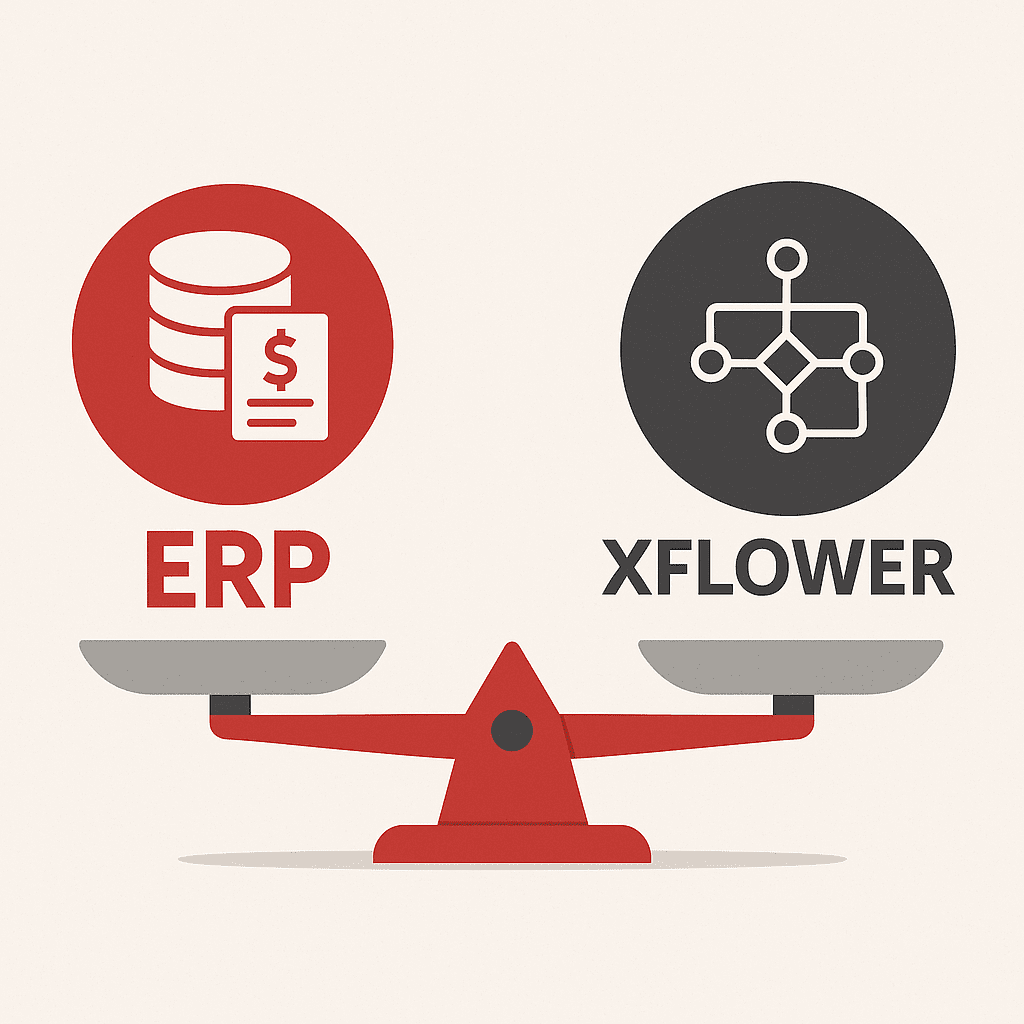
We prepared this overview specifically for grant writing companies and xFLOWer reseller partners. A question often arises during grant consultations: should we recommend the xFLOWer process support system to the client, or a traditional ERP (enterprise resource planning system)?
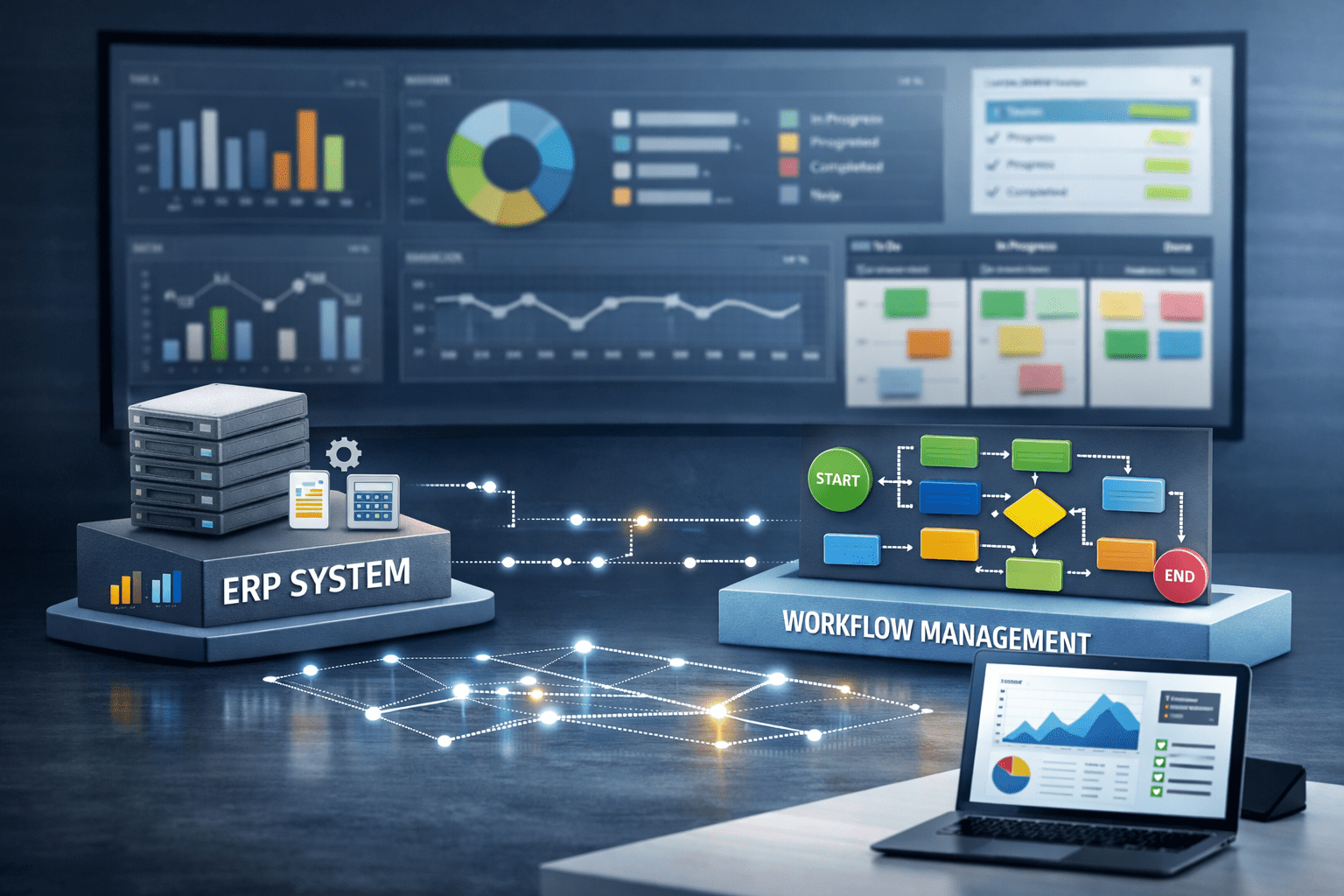
Most established businesses will eventually need both: ERP is essential for financial and master data management, while xFLOWer provides visibility into daily operations and supports fast decision-making.
In this article, however, we outline which system to start with if a choice must be made, and the factors that can help guide that decision.
What Is the Difference Between ERP and xFLOWer?
ERP – The Company's “Accounting Backbone”
- Financial and inventory records, invoicing, and master data management.
- Works well where standardized, repetitive administrative processes need to be managed.
- Typically involves a lengthy, costly implementation, and customization is often difficult.
- The client's main question: “How do we fit our operations into the system's framework?”
xFLOWer – A “Visible Framework” for Operations
- Not an ERP replacement, but a digital system that supports business processes.
- Provides visual, customized workflows for all internal operations: approvals, HR, customer service, procurement, and reporting.
- A working prototype can be launched in as little as 3 weeks.
- The key message to the client: “Which process would you like to make transparent and automated first?”
5 Questions to Help Decide What to Recommend to the Client
- How concerned is the client about whether ERP will fit their operations?
If this is an issue, xFLOWer has an advantage: every process can be customized. - Are there areas where ERP would be too rigid (e.g., HR, procurement, customer service)?
In these cases, xFLOWer offers a faster, more flexible solution. - Is the client worried that ERP implementation will take too long and consume too many resources?
xFLOWer delivers tangible results in 3 weeks. - Would any processes still run in Excel or email alongside ERP?
xFLOWer integrates these as well. - Is it important for managers to see where an approval or process has stalled at the touch of a button?
This is a strength of xFLOWer; ERP was not designed for this purpose.
Quick Comparison
| ERP | xFLOWer |
| Core financial and inventory records | Visibility into daily operations |
| Rigid, difficult to customize | Fully customized workflows for every process |
| Lengthy, costly implementation | A working prototype within a few weeks |
| Modular, but with a steep learning curve | A visual, easy-to-understand framework |
| Based on replacing systems | Connects existing systems |
How to Recommend It as a Partner
A simple statement is enough to position xFLOWer for the client:
“ERP provides a solid foundation for master data, but for flexible digitalization of operations, we have a partner: xFLOWer. They digitalize every process with a tailored approach, quickly and building on existing systems.”
ERP or xFLOWer – A 5-Question Checklist for Grant Writers and Partners
Use this checklist when speaking with a client to quickly decide whether to recommend ERP, xFLOWer, or both together.
- Fit – Is the client concerned about ERP customization?
If yes → xFLOWer. - Flexibility – Are there processes that ERP handles too rigidly?
If yes → xFLOWer. - Time and Resources – Is the client worried about a lengthy, costly implementation?
If yes → xFLOWer. - Manual Processes – Would Excel- or email-based operations remain alongside ERP?
If yes → xFLOWer. - Management Visibility – Is process tracking at the touch of a button important?
If yes → xFLOWer.
How to Use:
If the answer to at least three of the questions above is YES, the client will most likely benefit from starting with xFLOWer and introducing ERP later in a complementary role. This positions the grant writer or Click On partner as a value-added advisor, while enabling the client to achieve tangible digitalization results faster, with greater flexibility and transparency.