One of the most important yet frequently overlooked areas of business operations is archiving incoming electronic invoices. Digital archiving is not simply “scanning + saving” – it is a regulated, searchable, legally compliant process subject to obligations that authorities can audit.
xFLOWer's built-in invoice archiving solution offers exactly this: it not only preserves e-invoices, but also integrates their archiving into workflows, verifies it and provides evidence of it – even automatically, as soon as invoices arrive.
Legal Background: Not Just Data Retention, but Compliance
The archiving of electronic invoices is governed by the following regulations:- Act CXXVII of 2007 (Hungarian VAT Act) – requires e-invoice retention to meet standards of authenticity, integrity and legibility.
- ITM Decree 1/2018 (VI. 29.) – details the technical and procedural requirements for digital archiving.
- eIDAS Regulation (EU 910/2014) – establishes the EU-wide framework for electronic signatures and timestamps.
What Does This Mean in Practice? The xFLOWer Approach
Most companies still archive incoming invoices like this: ❌ Download from email → save manually → create a folder → rename the file → search for it later This is time-consuming and does not comply with the relevant legislation, making it
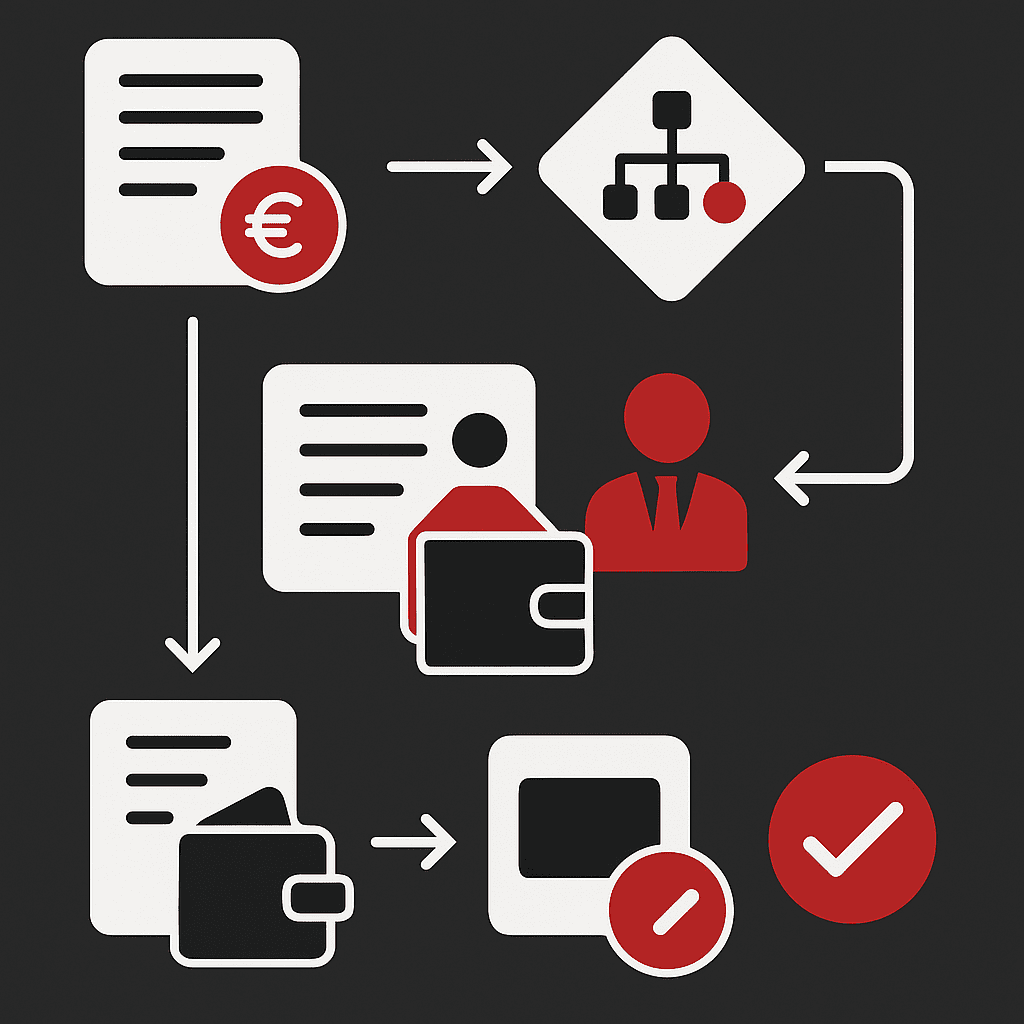
unsuitable for auditing. By contrast, the xFLOWer archiving processworks as follows: ✅ The invoice enters the system automatically (from email or through the NAV interface) ✅ The system
records its receipt and registers it, then links it to the relevant case or approval workflow ✅ After approval, the invoice is
archived electronically with a timestamp and signature ✅ Every step is logged, traceable and auditableFeatures in Business Terms – Not Just for IT Professionals
The xFLOWer archiving module is designed specifically for finance, accounting and controlling users. Key business features include:- Automatic processing of incoming invoices from email attachments or through a NAV connection
- Automatic linking to the relevant contract, case or project
- Approval workflow support (e.g. multilevel cost centre approval)
- Tracking archiving status and the document lifecycle
- Access control and auditability throughout the entire lifecycle
Integrations: Not a Separate System, but a Connected Workflow
xFLOWer is not a standalone archiving tool, but a workflow management solution that integrates into your existing systems. Archiving connects seamlessly with other modules: 🔗 Invoice receipt from email or through a NAV connection 🔗 Invoice verification and approval based on cases or contracts 🔗 Accounting software or ERP integration (e.g. SAP, Kulcs-Soft, Libra), supported by a set of APIs 🔗 Connections to digital signature and timestamping providers (e.g. Microsec)Why Is “Archiving Software” Not Enough?
Many software products on the market offer electronic archiving – but most lack genuine business workflow management capabilities. 📁 Archiving software stores documents. 🔄 xFLOWer manages processes, making archiving an integral part of the system's logic. This not only provides greater legal assurance, but also
improves business efficiency – eliminating the need to search, verify and retrieve documents after the fact.Summary: Incoming Invoices? Put Them into a Workflow!
Archiving is not an end in itself, but a means of achieving financial transparency, legal compliance and operational efficiency. With xFLOWer, you do not have to piece this together manually across separate systems. If you are looking for a solution where incoming invoices are processed, approved and archived
within a single, connected, legally compliant workflow, get in touch with us!